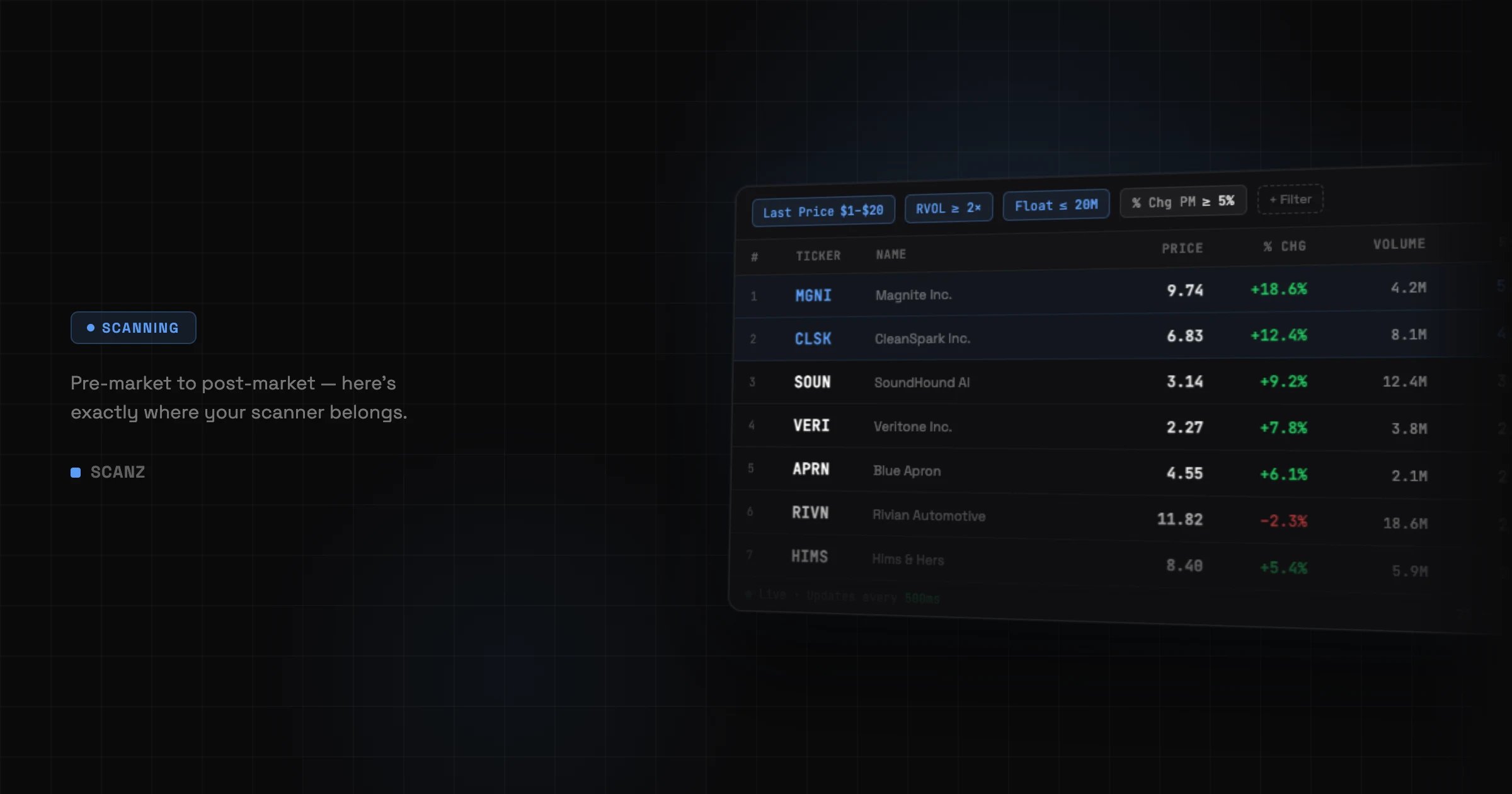
The short answer: A real-time stock scanner doesn’t just help you find stocks faster — it gives you back the 2-3 hours most traders burn every morning just trying to find where the action is.
Here’s what a real trading morning looks like.
8:45am. Pre-Market.
I open the Scanner and add four filters: Float, Relative Volume, Percent Change (Pre-Market), and News Count.
Takes less than a minute.
The list comes back with six stocks. Not 4,000. Not 400. Six — the ones that actually matter this morning, out of the entire U.S. market.
That used to take me 2-3 hours. I did it in 30 seconds.
I Dig In.
I click the top result. QuickView slides out — chart, Level 2, Time & Sales, and news all in one panel. Volume is already stacking pre-market. The News Count filter caught a headline from one of our news sources, filed 3 minutes earlier.
I didn’t find it by refreshing Twitter. The Scanner found it because it matched my exact criteria.
That’s the difference between searching aimlessly vs. being ready to attack.
9:32am. Market Open.
Signal Scanner fires — New High (Regular Hours). I’m already watching. I’ve had this stock on my radar for 47 minutes while other traders are just now finding the ticker.
That’s the edge. Not luck. Not a hot tip. No chatroom chatter. Just being in the right place because the scanner put me there.
I Save the Scan.
Add it to “My Scans” — done. Tomorrow morning it’ll be ready and running as I take my first sip of coffee. No rebuilding, no setup, no starting from scratch.
Over time, saved scans become your edge. You’re not hunting every morning — you’re refining. Each session, you know more about what works and what doesn’t, and the scanner adapts with you.
I Set an Alert on My Second Pick.
I drop it onto my Watchlist and create an Alert: price condition, volume threshold, my exact criteria.
Scanz watches every tick for that stock while I focus on the open. Notification comes through in-platform as a popup and to my email the moment it hits. I didn’t have to babysit it.
Two things working at once. One trader.
End of Day.
Six stocks instead of 4,000. One clean setup. Two opportunities found before the crowd.
The market didn’t slow down. I just stopped wasting time on the 3,994 stocks that were never going to move today.
That’s what 65+ filters and real-time data actually feel like in practice.
Most traders spend their mornings manually scanning watchlists, refreshing news, chasing tickers that already ran. I used to be one of them.
The scanner doesn’t make the decision for you. It just makes sure you’re never looking at the wrong stocks when the move you’re looking for happens.
Frequently Asked Questions
How does Scanz find stocks so quickly? Scanz runs your filters against the entire U.S. market in real time. Instead of checking stocks one by one, the Scanner monitors all of them simultaneously — tick by tick — and surfaces only the ones matching your criteria — price, float, relative volume, technical conditions, news, and more.
What’s the difference between the Scanner, Signals, and Alerts in Scanz? The Scanner is a live filtered view of the market — it shows every stock matching your criteria at any moment. Signals fire automatically when a specific event happens (a new high, a volume spike, a crossover) across your filtered universe. Alerts watch individual stocks that you specify and notify you when they hit your exact conditions.
How many filters does Scanz have? Scanz has 65+ filters across price, volume, change, technical indicators, capital structure (including float), and news. You can combine them in any configuration to match your specific trading strategy. See the full filter reference for every available option.
Do I need to rebuild my scans every day? No. Scanz saves your custom scans in My Scans and they persist across sessions. Your setup from today will be ready and running the next time you log in — on both Scanz Web and Scanz Desktop.
Can Scanz alert me to stocks while I’m focused on a trade? Yes. Set Alerts on individual stocks in your Watchlist with specific price and condition triggers. Scanz notifies you in-platform or by email so you don’t have to watch multiple stocks manually at the same time.
Does Scanz include real-time news? Yes. Scanz aggregates headlines from multiple news sources in real time and lets you filter by News Count directly in the Scanner — so stocks with active news surface as part of your scan, not as a separate manual step. Learn more in the News guide.
Is Scanz useful for pre-market trading? Absolutely. Scanz supports Pre-Market, Regular Hours, After-Hours, and Consolidated sessions with session-specific filters like Percent Change (Pre-Market) and Volume (Pre-Market), so your criteria adapt to whichever session you’re trading.
What is QuickView? QuickView is a slide-out panel that gives you a full picture of any stock — chart, Level 2 order book, Time & Sales, and news — without leaving the Scanner. Built for fast research so you can evaluate a setup in seconds.
Start your 7-day free trial. Scanz includes the Scanner, Signals, Alerts, QuickView, and 65+ real-time filters — everything you need to stop screening manually and start trading. Try Starter or Pro today. No commitment, cancel anytime.