release notes
September Updates
An improved toolbar navigation on all scanners. Compact Mode gives your results the whole screen. Zero wasted space. Discover adds watchlist templates you can copy in one click.
5 min read
Read →
Strategies, setups, and platform guides from the Scanz team.
An improved toolbar navigation on all scanners. Compact Mode gives your results the whole screen. Zero wasted space. Discover adds watchlist templates you can copy in one click.
The navigation gets a ground-up redesign, ready-made scans get a home in Discover, and Market Sessions organizes scanning around the trading day — with a short demo of every feature.
Track the day's most active names with Stocks in Play, filter by market events, and pick up exactly where you left off.
Manage your profile, billing, and password directly in the app. Control exactly which notifications reach you.
Get alerted the moment your scan triggers, browse news without leaving Montage, and watch results update in real time.
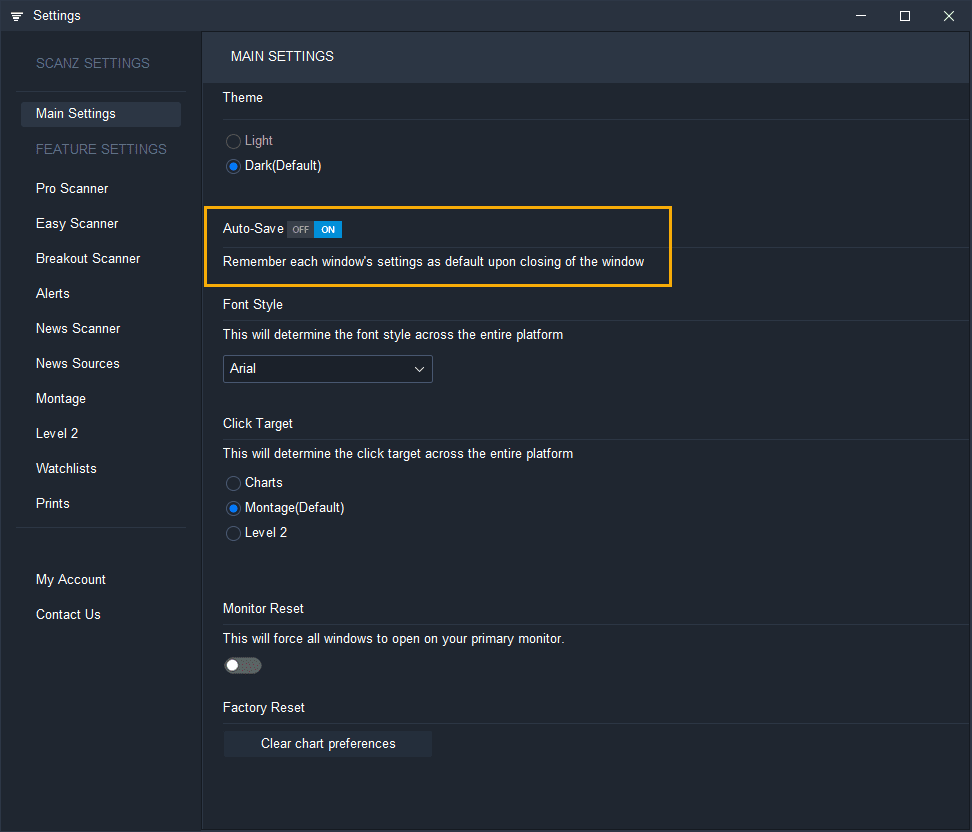
Scanz auto-save is now optional. Toggle it on or off in Settings and manually save window configurations as defaults whenever you choose.
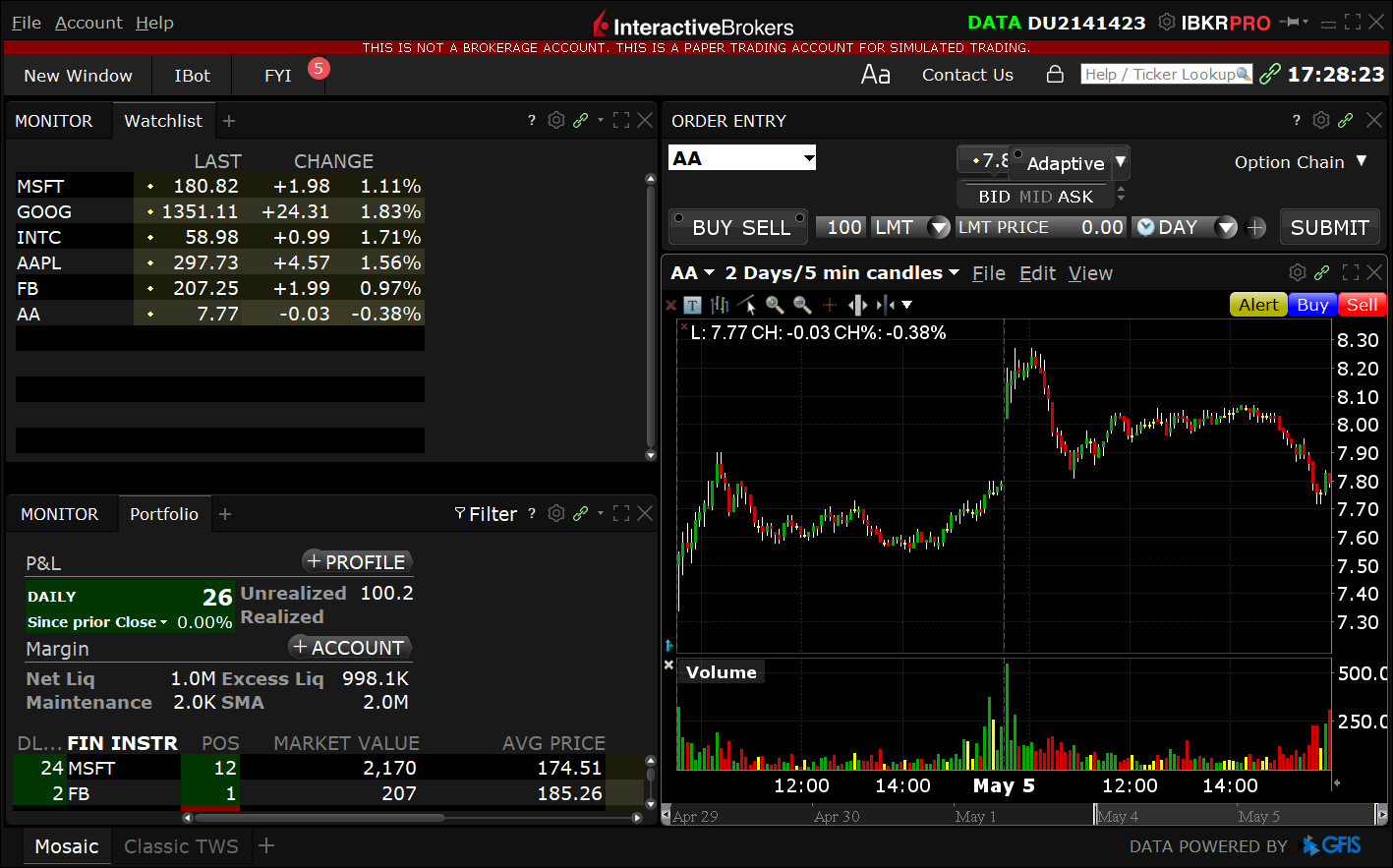
Step-by-step guide to connecting Scanz with Interactive Brokers. Route trades directly from your stock scanner to your IB account with seamless broker integration.
Showing 1–7 of 7 articles
Browse by tag